The best link in bio for florists in 2026
What a florist should put behind the one link in their bio, in what order, and which tools fit.
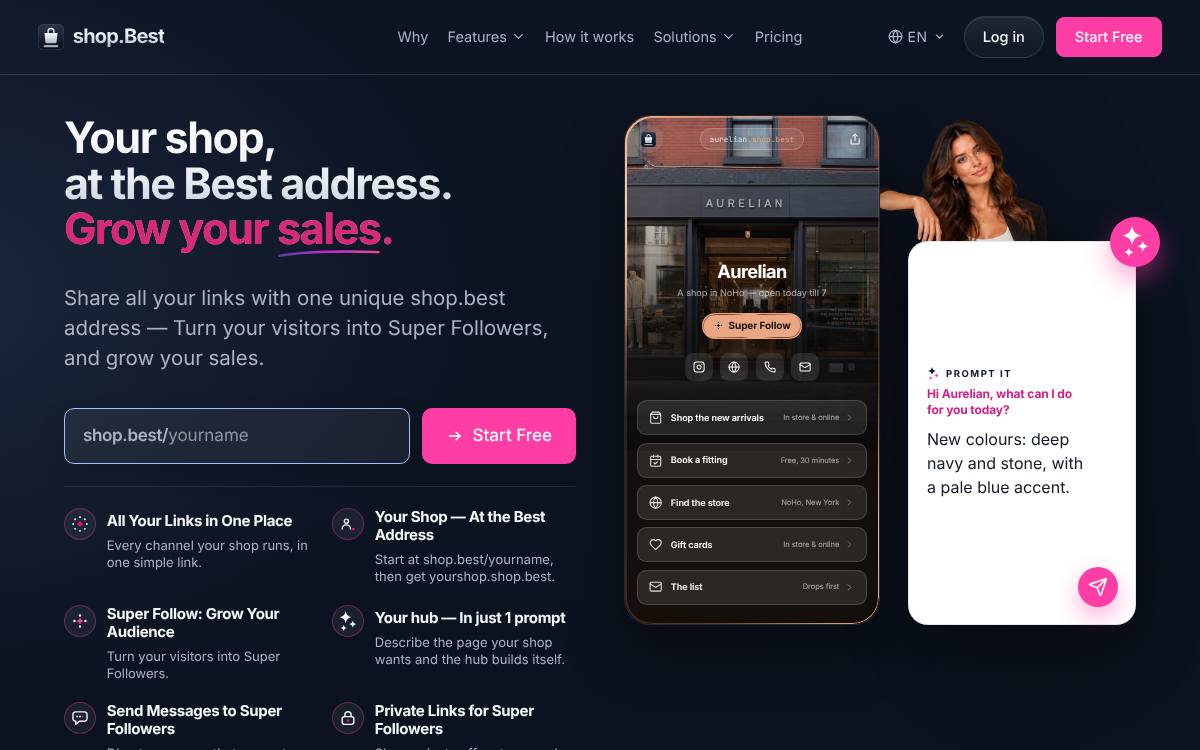
For a florist, shop.best fits best: free to start at shop.best/yourname, with yourshop.shop.best on Pro. Lead the page with “Send flowers today”, then “Check delivery areas” and “Enquire about weddings”.
Why the link matters for florists
For a florist, the link in bio is often where a scroll through your arrangements turns into an order with a delivery address. Some visitors need flowers sent across town by tomorrow; others are couples starting to plan wedding flowers months ahead, or event planners looking for installations. Each wants something different, so your page should separate quick delivery orders, wedding and event enquiries, the stems available this season and regular bouquet subscriptions. Delivery areas and daily cut-off times belong where an anxious sender sees them straight away.
The page, row by row
An example layout for a florist, in the order visitors need it.
- Send flowers todayMany taps from a post come from someone who needs a bouquet delivered soon, so same-day ordering belongs at the top.
- Check delivery areasShowing the neighbourhoods you cover, plus the daily cut-off, prevents orders you cannot fulfil and anxious follow-up calls.
- Enquire about weddingsCouples want to see past wedding work and start a proper conversation, which needs a separate form from everyday orders.
- See what's in seasonA page of current stems helps clients choose flowers that will look their best and keeps custom requests realistic.
- Visit the studioWalk-in customers want hours and directions, especially before weekends and holidays when you may close early or sell out.
Mistakes to avoid
Common mistakes
- Mixing wedding enquiries into the general order form, so a couple's detailed brief arrives alongside a quick birthday bouquet.
- Showing arrangements built with flowers that are out of season, which disappoints clients when the delivered bouquet looks different.
- Leaving out the daily cut-off for same-day delivery, which brings late orders and refund requests on your busiest days.
Put your same-day cut-off in the label of the delivery button itself, so senders see it before they tap and before they choose their stems.
At a glance
The list
-
1
shop.best
Best for: Shops: a hub for a shop, on the high street or online: store, new arrivals, WhatsApp orders and opening hours
- Free plan
- Starter, free forever: the shop's hub page, unlimited links and the Super Follow button
- Paid from
- Pro at €5/month billed annually
- Own address
- yourshop.shop.best from Pro
- Its own page for florists: For shops
- Super Follow on every plan: visitors follow you at your own address
- Prompt It builds the whole hub from a description (Pro and Premium)
-
2
Taplink
Best for: Small businesses that take orders and payments through forms on the page
- Free plan
- BASIC, permanently free: themes, unlimited links, text blocks and page-view statistics
- Paid from
- PRO, USD 8/month list price, or $48 prepaid for 12 months
- Own domain
- Your own domain on BUSINESS, bought from any registrar, with SSL
- An AI page builder available on the free plan too
- A low prepaid price: $48 for 12 months of PRO
- Your own domain, forms, payments and a CRM on BUSINESS
-
3
Campsite.bio
Best for: Small teams and agencies that need custom domains and email integrations
- Free plan
- Free forever: unlimited links, themes, a tip jar and 14 days of click and view analytics; no opt-in forms, custom domain or branding removal
- Paid from
- Pro, $7/month or $70/year (USD), with a 10-day trial
- Own domain
- Pro and above
- A custom domain from its first paid plan
- Opt-in forms that send to the main email tools
- Organisation plans with members for agencies and teams
-
4
Linktree
Best for: Creators who want to sell digital products from the page itself
- Free plan
- Unlimited basic links and email and phone sign-ups, with ads and 28 days of Insights history
- Paid from
- Starter, $7/month billed annually or $9 billed monthly (USD, as shown to a US visitor)
- Own domain
- Not supported, per its help centre; paid plans can redirect to your own site
- The best-known link-in-bio page, which many visitors already recognise
- Selling built into the page: digital products, courses, paid bookings and sponsored links
- Email subscribers and Instagram comment-to-DM auto-replies
Comparison table
| Feature | shop.best | Taplink | Campsite | Linktree |
|---|---|---|---|---|
| Free plan | Starter, free forever | BASIC, permanently free: themes, unlimited links, text blocks and page-view statistics | Free forever: unlimited links, themes, a tip jar and 14 days of click and view analytics; no opt-in forms, custom domain or branding removal | Unlimited basic links and email and phone sign-ups, with ads and 28 days of Insights history |
| Paid from | Pro €5/month billed annually | PRO, USD 8/month list price, or $48 prepaid for 12 months | Pro, $7/month or $70/year (USD), with a 10-day trial | Starter, $7/month billed annually or $9 billed monthly (USD, as shown to a US visitor) |
| Own address or domain | yourshop.shop.best from Pro | Your own domain on BUSINESS, bought from any registrar, with SSL | Pro and above | Not supported, per its help centre; paid plans can redirect to your own site |
| AI page building | Prompt It (Pro and Premium) | Taplink AI generates a page from a description, on free and paid plans | Not listed · check Campsite | Premium connects Claude or ChatGPT to edit links, bio and appearance; no builder that makes a page from a description was found |
More for shops
Frequently asked questions
What is the best link in bio for florists?
shop.best: it gives a florist an official hub, free at shop.best/yourname, with a Super Follow button, and yourshop.shop.best from Pro at €5/month billed annually.
What should a florist put in the link in bio?
In this order: Send flowers today; Check delivery areas; Enquire about weddings; See what's in season; Visit the studio. Many taps from a post come from someone who needs a bouquet delivered soon, so same-day ordering belongs at the top.
What mistakes should a florist avoid on a link page?
Mixing wedding enquiries into the general order form, so a couple's detailed brief arrives alongside a quick birthday bouquet. Showing arrangements built with flowers that are out of season, which disappoints clients when the delivered bouquet looks different. Leaving out the daily cut-off for same-day delivery, which brings late orders and refund requests on your busiest days.
Any tip for florists?
Put your same-day cut-off in the label of the delivery button itself, so senders see it before they tap and before they choose their stems.
How we ranked
Every fact on this page comes from each product's own pricing page or help centre, read on the date shown in the sources. We do not score tools with stars we cannot justify. This site is published by internet.Best, the team behind the .best hubs, which is why a hub comes first where it fits the reader, and we say so. The other tools are ranked by how well each tool's own stated audience fits a florist: tools built for businesses first; the three best fits are shown. Read the methodology.
Taplink · checked 15 November 2026
- Taplink home and plans
- Taplink pricing
- Taplink guide: getting your link
- Taplink guide: Taplink AI
- Taplink guide: notifications
Campsite.bio · checked 19 November 2026
Linktree · checked 15 November 2026; prices 20 November 2026
- Linktree pricing
- Linktree features
- Linktree help: custom domains
- Linktree help: paid features
- Linktree help: AI tools
- Linktree help: subscribe
shop.best